# Consult form data
To view submitted forms from your app, go to the left sidebar menu and select *Activity* > *Inbox:*
[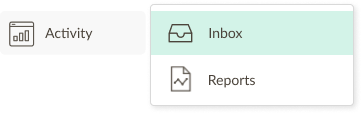](https://help.tictapcards.com/uploads/images/gallery/2024-07/3zi4iZyjql3aqVq8-actividad.png)
Here you will find all the forms submitted by your team. You can filter them by date, form, or category:
[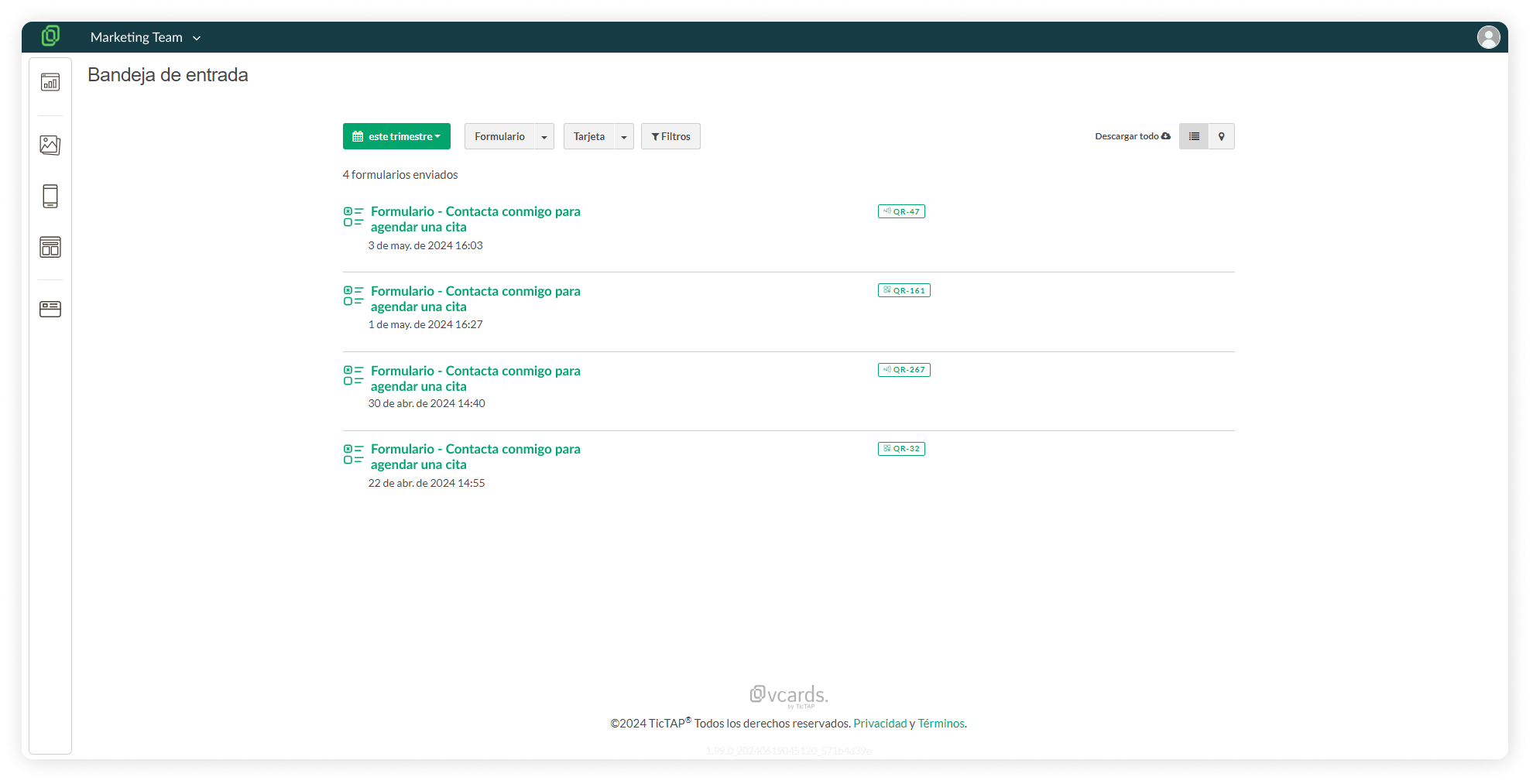](https://help.tictapcards.com/uploads/images/gallery/2024-06/hRQ8uQkOCiJyAvix-bandeja-de-entrada-1.png)
☝️ Please note that you will only see forms if you have created a form in your app and if forms have been submitted.